What to do when your Windows PC refuses to boot?

Whether it's due to a hardware or software issue, a Windows PC that refuses to boot can leave you feeling frustrated and unsure of how to fix the problem. But don't worry! Our troubleshooting guide will walk you through the steps to identify and fix the issue, helping you get your computer back up and running in no time.

Eliminate distractions: A comprehensive guide to removing ads in Windows 11

Windows 11 is a modern operating system that promises an efficient and seamless user experience. However, the presence of unwanted ads can be a significant distraction, disrupting your workflow and cluttering your screen. Here are some steps you can take to eliminate these intrusive ads from your PC.
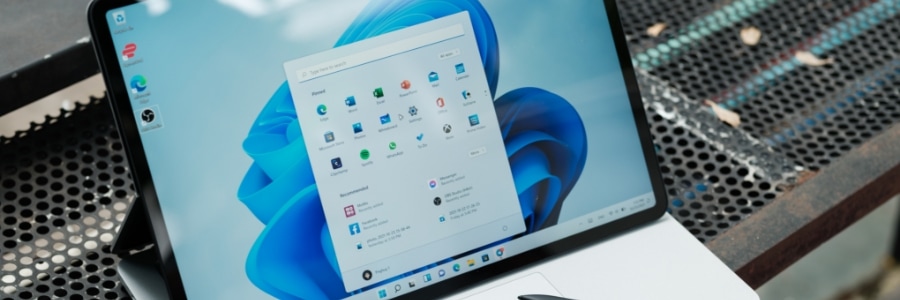
Ads in Windows 11 Start menu
While it may seem like the Start menu doesn't have much space for ads, Windows 11 has found a way to incorporate them into this essential component of the operating system.

7 Windows features that drive you nuts (and how to fix them)

If you're one of the millions navigating the digital world through a Windows device, you've probably stumbled over some hidden tripwires that can trigger various eye-rolls and groans. Today, we'll peel back the veneer and address the more exasperating Windows features head-on.

Enhance your productivity with Microsoft Edge’s innovative features

In today's fast-paced digital landscape, choosing the right browser isn't just about convenience; it's about efficiency, security, and maximizing your potential. While familiar names might dominate the market, Microsoft Edge has quietly emerged as a powerful contender, packed with features that can transform your browsing experience.

Windows 11 made easy: 6 Features to boost your laptop’s security and performance

Microsoft’s latest operating system, Windows 11, brings numerous improvements compared to its predecessors. To get the most out of these improvements on your Windows 11 laptop, set up these six key features.
1. Software update settings
New laptops typically automatically check for updates, but it's always a good idea to check manually every now and then to ensure you have the latest security patches and bug fixes.