
Macs are known to be pretty secure as they don't seem to get viruses and malware as easily as Windows computers do. But the truth is, no computer is completely immune to malicious software. So how can you tell if your Mac has been infected with malware? Look out for these signs.
Beware: Macs aren’t immune to malware
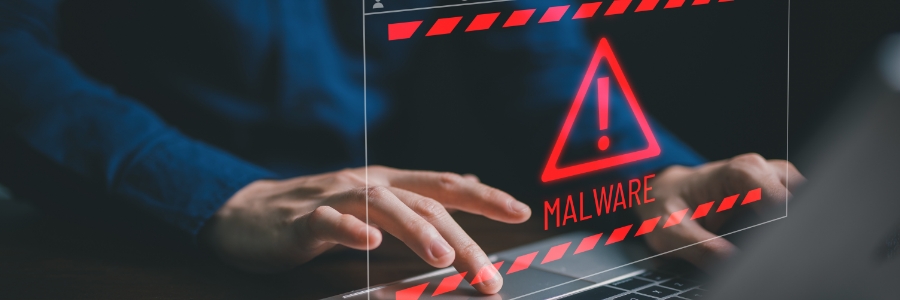
Is malware a problem on Macs?

There’s a common misconception that Apple computers can’t get infected with malware. The truth is Macs are resistant to most Windows-based bugs and malicious codes but they aren’t invulnerable. Here are some threats that can compromise your Mac and how to tell that you’ve been infected.
5 Easy ways to boost your Mac’s speed
Has your Mac become sluggish? Is it taking too much time to boot or load websites? Different factors can slow down your computer. In this post, we have prepared various tips on how to resolve this.
Clean up your Login Items
The Login Items list (also known as the Startup List) contains all the apps and programs that automatically start when you log in.
How to tell if your Mac is compromised

Viruses and malware creators are out to attack anyone and everyone, including Mac users. Despite Apple’s robust macOS that makes it difficult to attack Macs, cybercriminals are finding ways to identify and exploit vulnerabilities. Read on to find out which threats you should protect your Mac against, as well as signs that your computer has been compromised.
Are Macs vulnerable to viruses?

It is common knowledge that Windows computers tend to deal with an assortment of viruses and malware, but many people fail to realize that even Macs face similar threats. Virus creators have become adept at finding back doors and other vulnerabilities, that even Macs can be targeted.
How to speed up Macs running on Mojave
When your previously blazing fast Mac is taking longer than usual to start up, launch applications, or open and save files, something’s clearly wrong. Some users think it’s due to the macOS Mojave update, but it could also be due to other issues.