
High-profile ransomware cases include the WannaCry and Petya outbreaks in 2017, which infected hundreds of thousands of Windows PCs around the world. However, Mac computers can get ransomware too. If you have a Mac, it’s important that you follow the security best practices below.
Simple tips to prevent Mac ransomware

Here’s how you can lock your Mac

Your Mac holds plenty of important files that you simply cannot risk losing or exposing to unauthorized parties. One of the best ways to protect your computer and all the data it contains is to lock it with a password when it’s not in use.
It’s not enough to log off your Mac
Some people “lock” their Mac computer by logging off or shutting down the device.
Ways to secure your Apple devices

It is widely believed that Apple computers and devices are highly secure and can't be touched by malware and viruses. While there are fewer security threats to Macs, iPhones, and other Apple gadgets compared to Windows and Android machines, Apple devices are also vulnerable.
Introducing macOS Catalina

With its big launch just a few days away, macOS Catalina is creating quite a buzz in the world of computing. Many Mac users can’t wait to upgrade their devices to the next-gen operating system and enjoy its exciting new features. Here are some of the things you can expect from Catalina.
Ensure the privacy of iPhone text messages
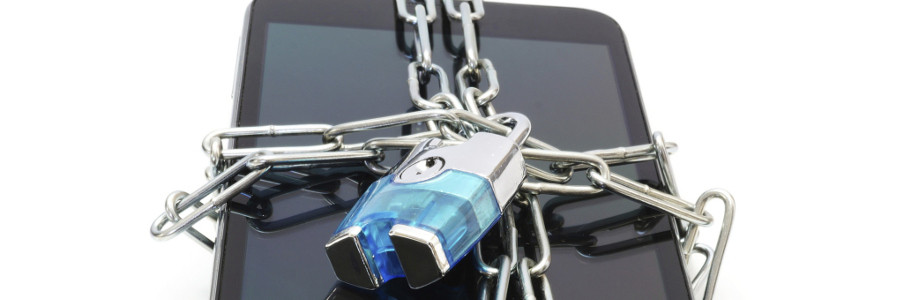
If you’re a business owner who is constantly on the go, you may have become too comfortable texting confidential information using your iPhone. Thankfully, getting back on track is easy. Here are three iPhone privacy settings that will give you an added layer of comfort and security.
How to make the most out of your Time Machine
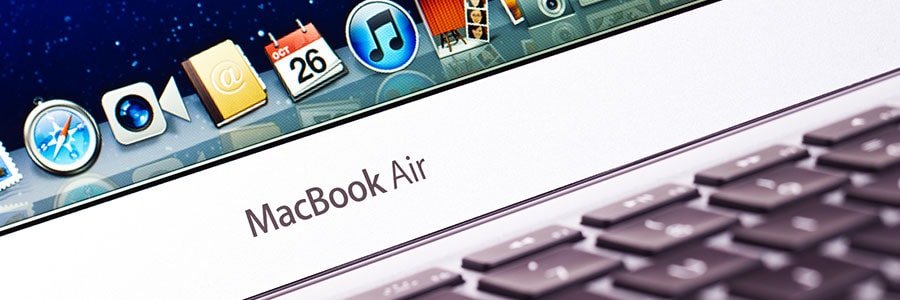
If you’re a Mac user, you probably know that macOS has a built-in feature called Time Machine. This backup application is used to keep an up-to-date copy of all the files on your Mac. What’s unique about it is that it captures exactly what was on your Mac any day in the past, making it easy to recover files, emails, or media that may have been inadvertently deleted.
The risks of jailbreaking your iPad

While the iPad and other Apple devices allow you to download and install literally millions of apps, they don’t exactly leave much room for customization. Jailbreaking lets you fully customize your iPad by enabling you to install third-party apps on your device.
Mac malware removal tips

Malicious software can affect any computer, and Macs are no exception. In fact, it’s important to take action right away when you notice your Mac freezing up, slowing down, and redirecting you to random websites. Below are a few malware removal tips to keep your systems safe and sound.
First look: macOS Catalina’s exciting features

macOS Catalina is the 16th major release of Apple’s operating system for Mac and Macbook. Set for rollout in late September 2019, it offers a raft of useful new features and improvements that will give users a better experience. Here’s a quick look at some of them.
Master Mac’s Notification Center to increase productivity

App notifications can be equal parts helpful and frustrating. On the one hand, they make it easier to stay on top of work updates. On the other, they can become distracting and overwhelming. If you use Mac OS X, the best place to start is configuring the settings in your Notification Center.