
Windows 11 delivers a sleek, modern experience with new visual effects, updated interfaces, and enhanced multitasking tools. But all that polish can come at a cost, especially if your PC is older or not designed for heavy lifting. Over time, background processes, visual enhancements, and preinstalled software can chip away at your system’s speed.
Speed up Windows 11 with these tweaks
Easy steps to uninstall bloatware on your Windows 11 PC
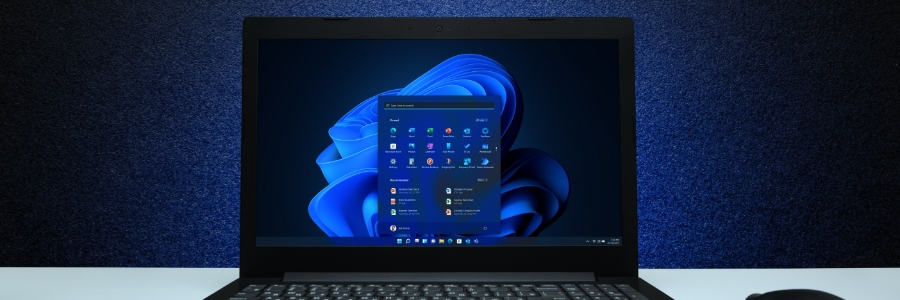
Is your Windows 11 PC feeling sluggish? Bloatware might be the culprit. Unwanted software can take up valuable storage space and slow down your system. In this article, we'll provide step-by-step instructions on how to identify and remove bloatware from your computer.
Windows 11 made easy: 6 Features to boost your laptop’s security and performance
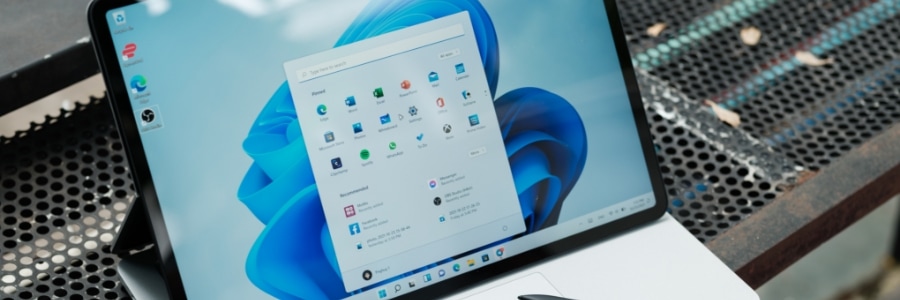
Microsoft’s latest operating system, Windows 11, brings numerous improvements compared to its predecessors. To get the most out of these improvements on your Windows 11 laptop, set up these six key features.
1. Software update settings
New laptops typically automatically check for updates, but it's always a good idea to check manually every now and then to ensure you have the latest security patches and bug fixes.
A guide to eliminating clutter on your PC
Managing clutter on your desktop and hard drive is essential for maintaining peak computer performance. In this article, we will explore five common types of PC clutter that can slow down your computer and make it challenging to locate files. We'll also provide you with practical tips to effectively eliminate this digital junk, streamlining your computer's functionality and improving your overall work efficiency.
Clearing the clutter on your Android device

If you've just bought a new Android device, there's a good chance that it came pre-installed with some apps that you don't want or need. Find out how to clear the clutter from your Android device and get rid of those unwanted apps.
What is bloatware?
Bloatware is software that comes pre-installed on computers and other digital devices, such as mobile phones.
Get rid of Windows 11 bloatware in just a few easy steps
Windows 11 is a great operating system, but it's not perfect. One of the biggest complaints about Windows 11 is the number of bloatware it comes with. This can slow your computer down and take up valuable disk space. In this article, we will show you how to remove Windows 11 bloatware for good.
How to tweak and maximize Windows 11 on your laptop

Windows 11 is available as a free upgrade for Windows 10 users, and many people — including laptop users — are taking advantage of this new operating system. If you're one of them, then you need to know how to properly tweak Windows 11 features on your laptop so you can make the most of Windows 11.
1. Set up how your device checks for updates
New laptops usually automatically check for updates, but you can also manually do this.
Windows 10 bloatware and their risks
Bloatware is a fact of life these days. It is present in both mobile and non-mobile devices, even in PCs and laptops. And it takes up precious space and memory, which encumbers workflows and productivity. Read this article to learn about bloatware and how to eliminate it for good.
Get rid of PC clutter with these tips
Has your Windows 10 PC been running slowly? It’s likely because your desktop and hard drive are a jumbled mess of shortcuts, files, and other digital clutter. Let’s take a look at five types of clutter you should remove to get your computer performing like new.
How to install Windows 10 on your laptop
Unboxing a new Windows 10 laptop is exciting, but before you start using it, there are a few things you need to do. You can ask a technician for help in setting up your new device, but here are a few things you can do on your own.
1. Set up how your device checks for updates
Your new laptop should check for updates automatically, but you can also do this manually.