
Transferring files between your Windows PC and phone is a relatively straightforward process, with several methods available depending on your device and preferences. This guide will explore the most common and convenient ways to transfer files between your Windows PC and phone, covering both Android and iPhone options.
Effortlessly transfer files between your mobile phone and Windows PC

How to easily transfer files from an Android device to a PC or Mac
There may be times when you need to transfer files from an Android device to a PC or Mac. This article will discuss several ways to do that.
Through a USB cable
Using the USB cord that came with your phone is probably the most convenient way to transfer files to your computer.
How to transfer data from Android via USB cable
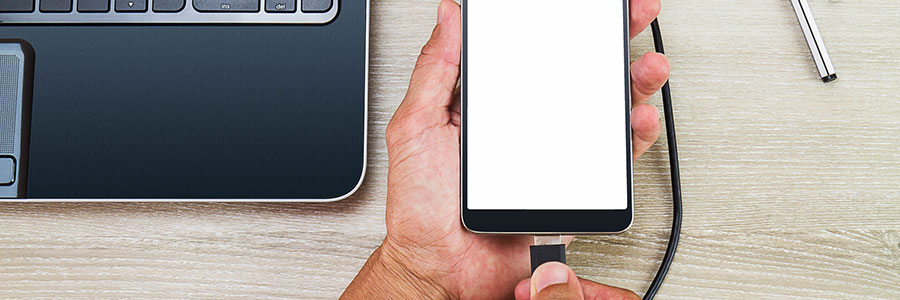
You can use Wi-Fi to transfer files between your Android phone and your PC or Mac, but it’s useless if your internet connection is unavailable or unstable. Thankfully, there’s another option: your trusty USB cable. Read on to find out how to use it to move files between devices without a hitch.
How to transfer files from Android via USB cable
You can use Wi-Fi to transfer files between your Android phone and your PC or Mac, but if an internet connection is unavailable or unstable, there’s another option: use your trusted USB cable. Read on to find out how your USB cable can help you move files between devices without a hitch.