
Upgrading to a new Mac can bring a host of benefits, from improved performance and enhanced features to better compatibility with the latest software updates. In this article, we will delve into the factors to consider when deciding if it's time to replace your Mac.
Upgrading your Mac: The key indicators to consider
It’s about time you use your Mac’s Time Machine
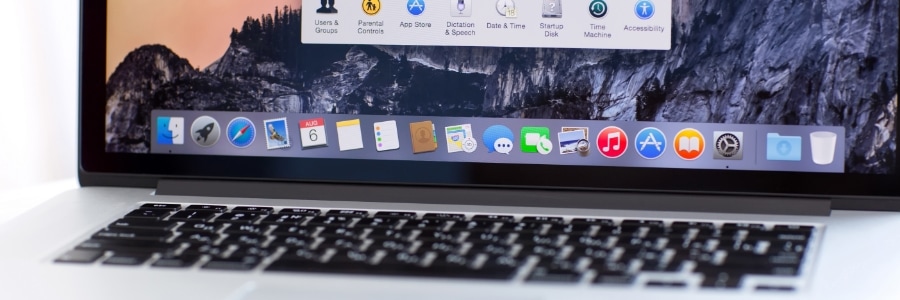
If you're a Mac user, you probably already know that macOS boasts a remarkable built-in feature called Time Machine, which helps easily recover deleted files, emails, or media. If you're not using it, it's about time that you do. This reliable backup mechanism maintains an accurate, up-to-date record of your Mac's contents.
Beware: Macs aren’t immune to malware

Macs are known to be pretty secure as they don't seem to get viruses and malware as easily as Windows computers do. But the truth is, no computer is completely immune to malicious software. So how can you tell if your Mac has been infected with malware? Look out for these signs.
How to easily transfer files from an Android device to a PC or Mac

There may be times when you need to transfer files from an Android device to a PC or Mac. This article will discuss several ways to do that.
Through a USB cable
Using the USB cord that came with your phone is probably the most convenient way to transfer files to your computer.
5 Reasons SSDs are better than HDDs for Macs
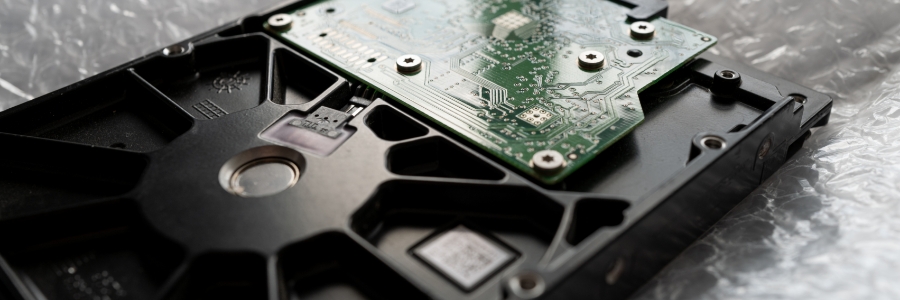
Solid-state drives (SSDs) are fast becoming the standard for data storage because of their many advantages over hard disk drives (HDDs). Here are the top five reasons SSDs are better than HDDs for Macs.
SSDs are more reliable
All types of disk drives are more likely to fail with age, but SSDs are more resistant to age-related degradation than HDDs. This is because most modern SSDs use NAND flash memory, which is not as susceptible to the wear and tear that HDDs experience with their spinning disks.
Safeguarding social media: Tips for keeping your personal information protected

It’s no secret that social media is a huge target for hackers. Every day, millions of people share their personal information on Facebook, Twitter, and other social media platforms. This makes it easy for cybercriminals to steal identities and access sensitive data.
Mac keyboard shortcuts you should be using today
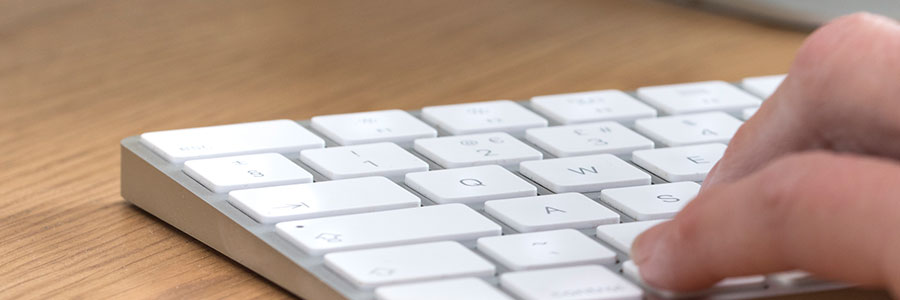
Keyboard shortcuts can enhance users’ productivity and save time, but not everyone knows about them. If you own a Mac, these are the keyboard shortcuts you need to start using now.
Minimize or dock the front app window: Command + M
If you have several open apps, browsers, and Finder windows, use this shortcut to minimize the front window to the Dock.
How to move data from your old PC to your new Mac

If you’re switching from a Windows PC to a Mac, and you’re worried about losing years’ worth of data on your old machine, don’t fret. Changing platforms doesn’t have to mean starting over with Apple’s free tool called Windows Migration Assistant.
Is malware a problem on Macs?

There’s a common misconception that Apple computers can’t get infected with malware. The truth is Macs are resistant to most Windows-based bugs and malicious codes but they aren’t invulnerable. Here are some threats that can compromise your Mac and how to tell that you’ve been infected.
Want to get rid of your Mac? Not so fast

Buying a secondhand Mac is a popular way to save money on relatively expensive equipment that retains its value. Conversely, selling your used Mac is a great way to expose yourself to identity theft — unless you follow these steps to keep your personal information safe.