
Malicious software can affect any computer, and Macs are no exception. In fact, it’s important to take action right away when you notice your Mac freezing up, slowing down, and redirecting you to random websites. Below are a few malware removal tips to keep your systems safe and sound.
Mac malware removal tips

First look: macOS Catalina’s exciting features

macOS Catalina is the 16th major release of Apple’s operating system for Mac and Macbook. Set for rollout in late September 2019, it offers a raft of useful new features and improvements that will give users a better experience. Here’s a quick look at some of them.
Master Mac’s Notification Center to increase productivity

App notifications can be equal parts helpful and frustrating. On the one hand, they make it easier to stay on top of work updates. On the other, they can become distracting and overwhelming. If you use Mac OS X, the best place to start is configuring the settings in your Notification Center.
Let Office 365 help you save the date

Arranging meetings that work with everyone’s schedules is a pain — especially if participants don’t work in your office. A calendar that is easy to share publicly simplifies everything from scheduling calls with clients to quarterly meetings with business partners.
Declutter your Mac with these 10 tips

Before long, your Mac will become too cluttered, making it too cumbersome to find the right applications, files, or links. Decluttering the items on your computer would do wonders for your productivity, creativity, and stress levels. But how do you do it?
#1 Clean up your desktop
The desktop is a convenient location for storing files and shortcuts, so it tends to become messy within a short amount of time.
Are Macs vulnerable to viruses?

It is common knowledge that Windows computers tend to deal with an assortment of viruses and malware, but many people fail to realize that even Macs face similar threats. Virus creators have become adept at finding back doors and other vulnerabilities, that even Macs can be targeted.
Think twice about selling or donating a Mac
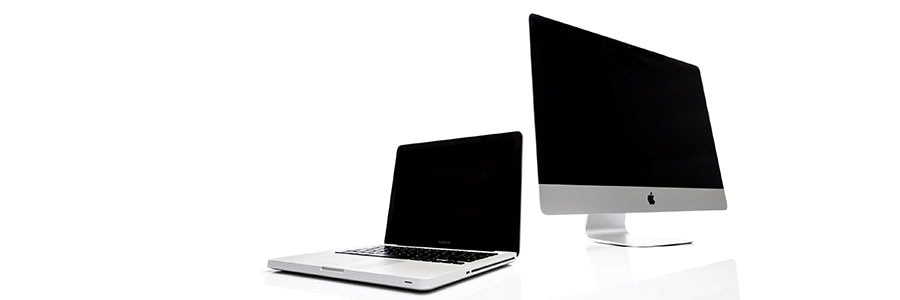
Today’s computer users often forget or are unaware of how much sensitive information their devices store. The ability to save passwords, credit card numbers, and personal messages is undeniably convenient, but it’s also a huge liability. If you’re thinking about getting rid of your Mac, make sure to follow these steps first.
Why you should update your Mac with an SSD

In recent years, solid state drives (SSDs) have replaced hard disk drives (HDDs) as the storage option of choice on personal computers, Mac devices included. Here are some of the numerous advantages of updating your Mac with an SSD.
They’re faster
SSDs have the clear advantage over HDDs in terms of data access speed.
How to speed up Macs running on Mojave
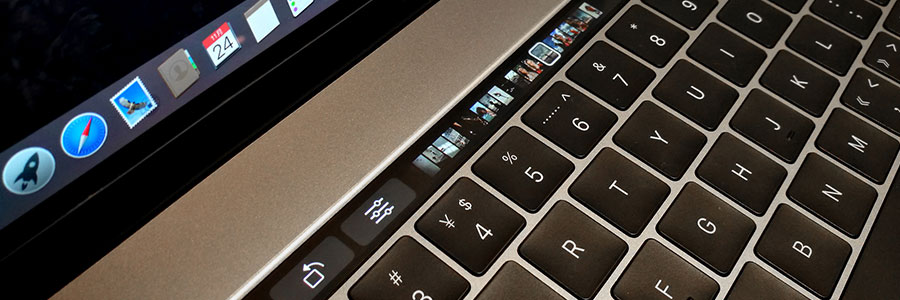
When your previously blazing fast Mac is taking longer than usual to start up, launch applications, or open and save files, something’s clearly wrong. Some users think it’s due to the macOS Mojave update, but it could also be due to other issues.
Mac time-saving checklist for 2018

In the IT industry, continuous improvement is the name of the game. Whatever makes a business work faster, smarter, and more effectively is a welcome competitive advantage. If you’re a Mac user, do you think you’re taking advantage of all of the best time-saving tips out there? Here’s a checklist you can use to find out how well you’re using your machine.