
Do you feel like your online activity is being spied on? That’s because it probably is — but not by cybercriminals as you might think. It’s more likely that it’s your operating system that's tracking your information. Learn more about Windows 11’s not-so-private settings and how to fix them to ensure your privacy.
Windows 11 settings you should turn off

The dangers of password autofill
Modern web browsers and password managers come with a feature called password autofill. This helps users store and automatically use their account credentials to access websites and other applications. While password autofill is convenient, it comes with security risks.
Picking the right VPN for your business
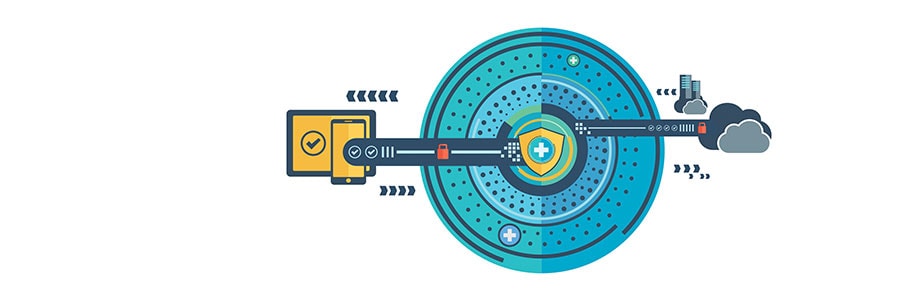
Virtual private networks (VPNs) keep your online activities secure and private, which is especially useful if you're using a public Wi-Fi network. But considering the variety of VPNs in the market today, it’s hard to find which one is the best for your business.
PHI best practices that all business leaders should know
Protected health information (PHI) is a common target of cybercriminals, as the personal, medical, and financial information that comprise it can be abused for financial gain. This is why businesses that handle PHI should take every step possible to ensure that their clients’ data is always protected.
Want to get rid of your Mac? Not so fast
Buying a secondhand Mac is a popular way to save money on relatively expensive equipment that retains its value. Conversely, selling your used Mac is a great way to expose yourself to identity theft — unless you follow these steps to keep your personal information safe.
Protect your privacy in Windows 10
Since its release in 2015, Windows 10 has gotten a bad rap for supposedly gathering too much personal information from its users. Whether you believe Microsoft's operating system is invasive or you just want to pull out all the stops to keep your personal information safe, here are some Windows 10 settings you can tweak to protect your privacy.
Social media guidelines to stay HIPAA-compliant

HIPAA was established to protect the privacy of medical providers and their patients. And while there are no specific guidelines when it comes to social media usage in healthcare, every healthcare organization must implement security protocols that adhere to privacy policies.
Protect your Facebook and Twitter from hackers
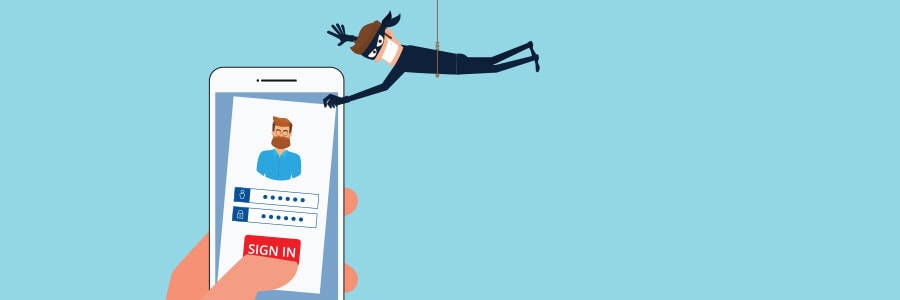
Popular social media platforms like Facebook and Twitter have been suffering massive data breaches for a number of years now. If you wish to continue using these services, you need to tighten your social media privacy settings. Here are a few reminders and tips to help you secure your personal information on social media.
How to secure protected health information
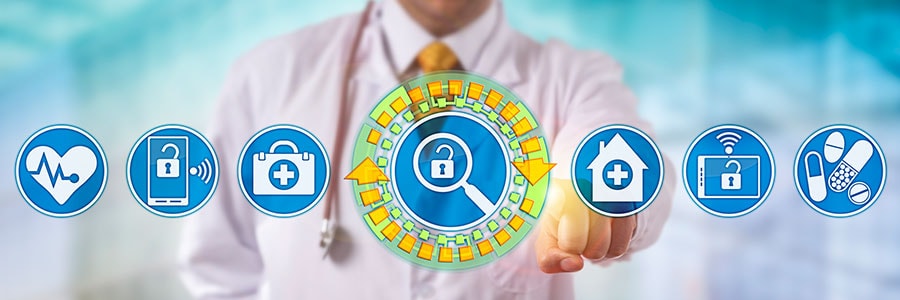
Protected health information (PHI) includes different types of data, including a patient’s Social Security number, billing information, and health condition. Because of the wealth of confidential information it encompasses, PHI is highly valuable to hackers, who can use stolen PHI to carry out fraudulent activities.
Why using a VPN is more important than ever before
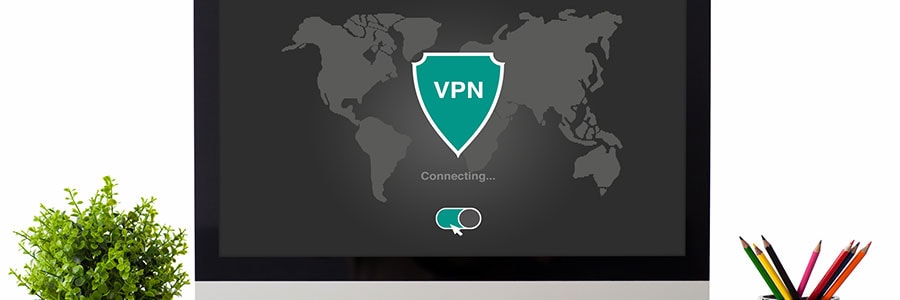
In the past, a simple antivirus software was all you needed to stay safe from online threats. Today, it takes more than that to protect your PC and the information stored on it. Whether you’re sending an important email or chatting with a coworker online, chances are your data can be easily intercepted.