Your guide to connecting an external monitor to a Mac

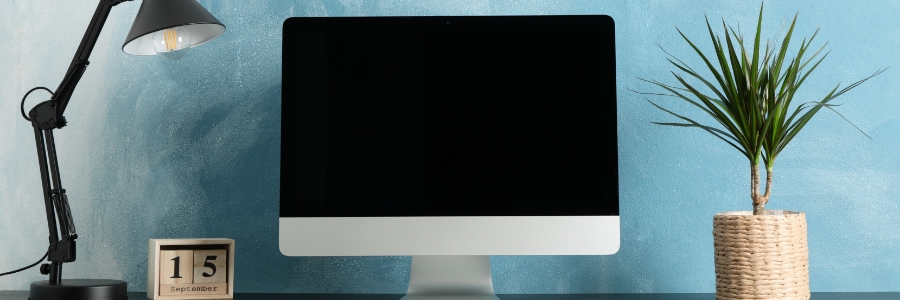
Whether you want to increase the amount of screen space on your iMac, turn your MacBook Pro into a desktop, or simply enjoy the look of dual screens, connecting an external monitor to any Mac is a quick and easy process. Just follow these steps.

Check the ports on your Mac and monitor

Before connecting your Mac to a monitor, take note of the ports each device has and whether you need any adapters to make them compatible.

5 Reasons SSDs are better than HDDs for Macs

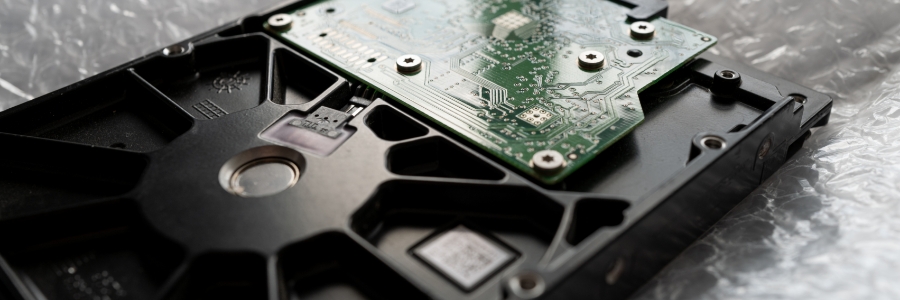
Solid-state drives (SSDs) are fast becoming the standard for data storage because of their many advantages over hard disk drives (HDDs). Here are the top five reasons SSDs are better than HDDs for Macs.
SSDs are more reliable
All types of disk drives are more likely to fail with age, but SSDs are more resistant to age-related degradation than HDDs. This is because most modern SSDs use NAND flash memory, which is not as susceptible to the wear and tear that HDDs experience with their spinning disks.

Mac keyboard shortcuts you should be using today

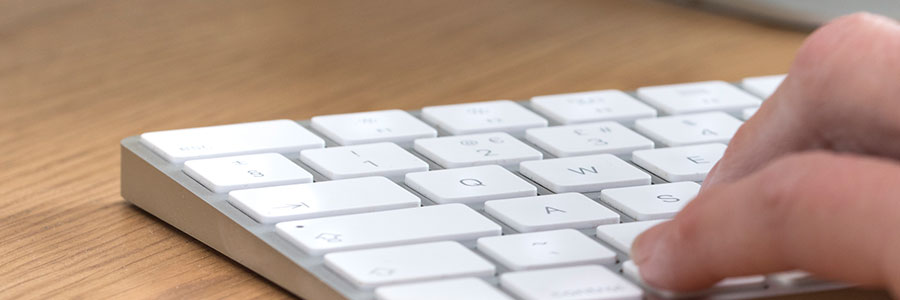
Keyboard shortcuts can enhance users’ productivity and save time, but not everyone knows about them. If you own a Mac, these are the keyboard shortcuts you need to start using now.
Minimize or dock the front app window: Command + M
If you have several open apps, browsers, and Finder windows, use this shortcut to minimize the front window to the Dock.