Mac keyboard shortcuts you should be using today

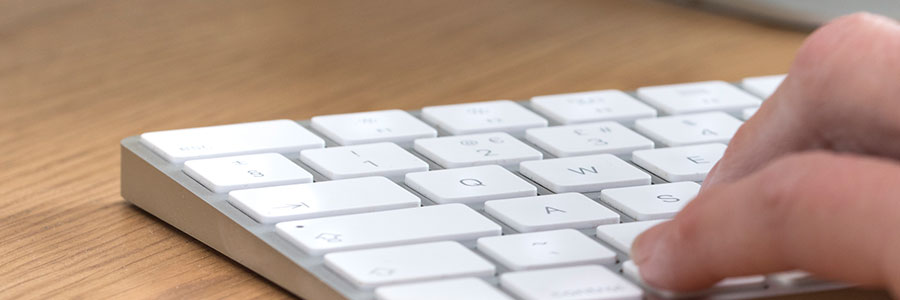
Keyboard shortcuts can enhance users’ productivity and save time, but not everyone knows about them. If you own a Mac, these are the keyboard shortcuts you need to start using now.
Minimize or dock the front app window: Command + M
If you have several open apps, browsers, and Finder windows, use this shortcut to minimize the front window to the Dock.

How to use external monitors with Mac computers

It’s much more convenient to work when you have two monitors. In case you’re using a Mac computer (a MacBook Pro, MacBook Air, or Mac mini) and want to hook an external monitor to it, we’ve got a few tips for you.

First, check which displays your Mac device supports by doing the following:

Click the Apple Menu (located on the left-hand side of the screen) then click About This Mac.

Want to get rid of your Mac? Not so fast

Buying a secondhand Mac is a popular way to save money on relatively expensive equipment that retains its value. Conversely, selling your used Mac is a great way to expose yourself to identity theft — unless you follow these steps to keep your personal information safe.

When should you purchase a new Mac?

Like it or not, there will come a time when your once lightning-fast Mac computer can no longer meet modern computing demands. When this happens, you’ll face the following dilemma: should you stick to your current Mac computer or purchase a new one? To help you make this decision, we’ve listed several signs you need to watch out for.