Easy ways to lock your Mac when you’re away from keyboard

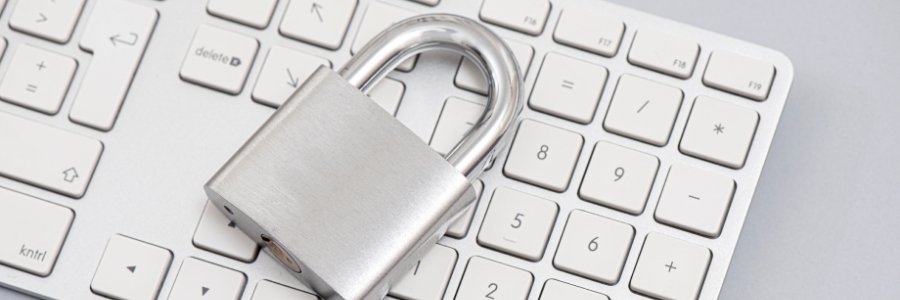
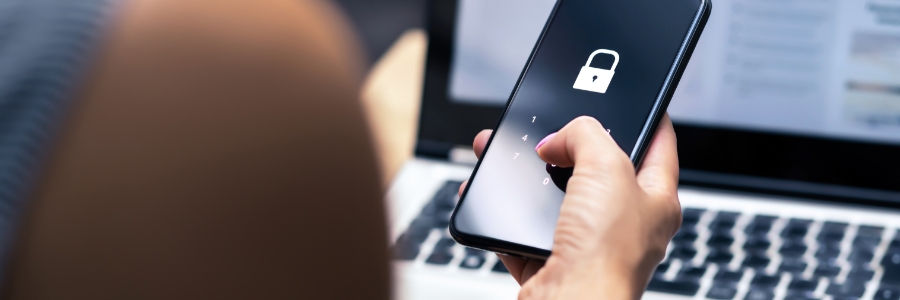
It’s a security risk to leave your Mac unlocked when you're away from your desk. Anyone could simply use it to access your accounts, files, or personal information. To protect your Mac, you should lock it whenever it’s not in use. If you’re unsure of how to lock your device, or if you’re looking for the most efficient way to lock it, read on.

It’s about time you use your Mac’s Time Machine

If you're a Mac user, you probably already know that macOS boasts a remarkable built-in feature called Time Machine, which helps easily recover deleted files, emails, or media. If you're not using it, it's about time that you do. This reliable backup mechanism maintains an accurate, up-to-date record of your Mac's contents.

Protect your Mac from ransomware with these tips

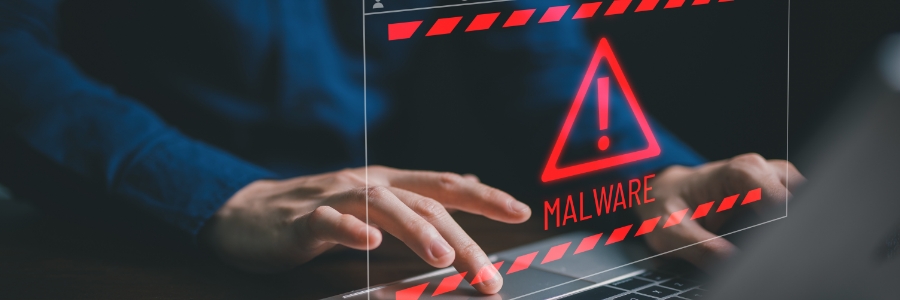
Businesses and individuals alike rely on Macs for tasks that require a high level of security, such as online banking, shopping, and storing important files. So what would happen if your Mac was infected with ransomware? In this blog post, we will provide practical tips to protect your Mac against ransomware attacks.

Your guide to connecting an external monitor to a Mac

Whether you want to increase the amount of screen space on your iMac, turn your MacBook Pro into a desktop, or simply enjoy the look of dual screens, connecting an external monitor to any Mac is a quick and easy process. Just follow these steps.

Check the ports on your Mac and monitor

Before connecting your Mac to a monitor, take note of the ports each device has and whether you need any adapters to make them compatible.

5 Reasons SSDs are better than HDDs for Macs

Solid-state drives (SSDs) are fast becoming the standard for data storage because of their many advantages over hard disk drives (HDDs). Here are the top five reasons SSDs are better than HDDs for Macs.
SSDs are more reliable
All types of disk drives are more likely to fail with age, but SSDs are more resistant to age-related degradation than HDDs. This is because most modern SSDs use NAND flash memory, which is not as susceptible to the wear and tear that HDDs experience with their spinning disks.