Want to get rid of your Mac? Not so fast

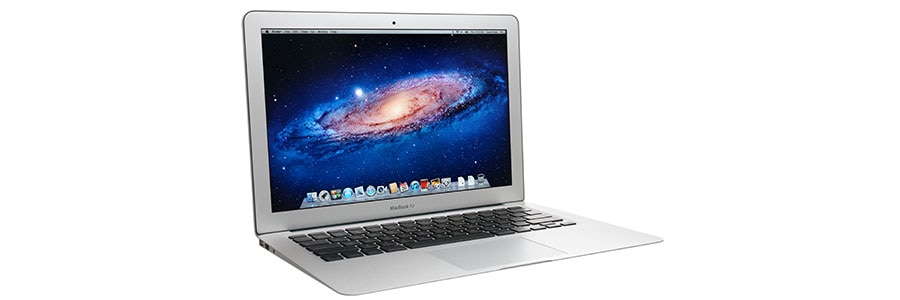
Buying a secondhand Mac is a popular way to save money on relatively expensive equipment that retains its value. Conversely, selling your used Mac is a great way to expose yourself to identity theft — unless you follow these steps to keep your personal information safe.

When should you purchase a new Mac?

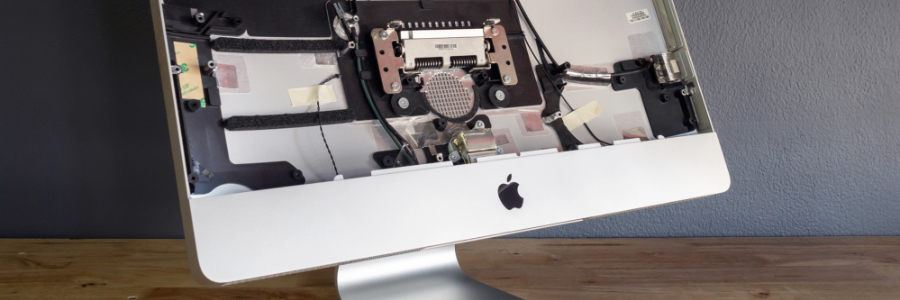
Like it or not, there will come a time when your once lightning-fast Mac computer can no longer meet modern computing demands. When this happens, you’ll face the following dilemma: should you stick to your current Mac computer or purchase a new one? To help you make this decision, we’ve listed several signs you need to watch out for.

Why an SSD is better than an HDD for your Mac

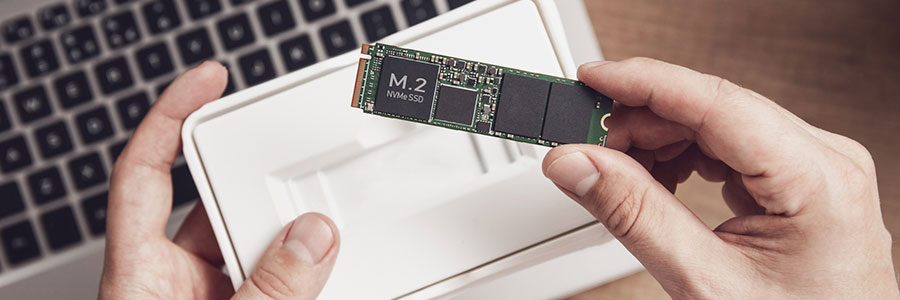
There’s no question that solid state drives (SSDs) are better than hard disk drives (HDDs) for personal computers and Macs. SSDs will significantly enhance your machines’ performance in ways you may not have imagined. Here are a few specific benefits to Mac when you replace HDDs with SSDs.
They’re more reliable
Most consumer SSDs use NAND flash memory, a type of nonvolatile storage technology that doesn’t require power to retain data.

Got a new MacBook? Here’s what you need to do first

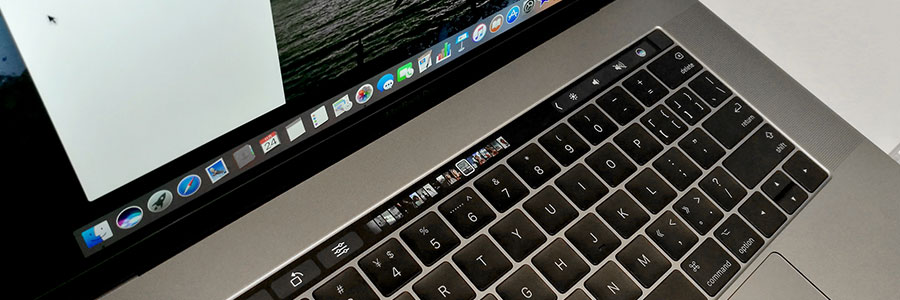
The 2020 MacBook models boast of a new processor that promises a longer battery life and better speed. Plus, they offer the ability to run iPhone and iPad apps. But before you start using your new device, make the following tweaks to ensure even better performance and functionality.

5 Easy ways to boost your Mac’s speed

Has your Mac become sluggish? Is it taking too much time to boot or load websites? Different factors can slow down your computer. In this post, we have prepared various tips on how to resolve this.
Clean up your Login Items
The Login Items list (also known as the Startup List) contains all the apps and programs that automatically start when you log in.

6 Crucial battery-saving tips for iPhone users

There’s nothing worse than having a low iPhone battery when you’re working remotely without an outlet nearby. Luckily, there are several tips you can use to add a few more hours to your battery life. Here are six that prove invaluable.
1. Activate Low Power Mode
Low Power Mode can be activated with a single tap.

Tips for using external monitors with Mac computers

Using two monitors doesn’t just make working convenient, but it also makes you more productive. If you’re using a Mac Mini, Macbook Pro, or Macbook Air, you probably think your external monitor options are limited. Not quite. Here’s how to use external monitors as a second display for your Mac computers.