Are your Windows 10 updates taking too long? Here’s what you need to do

Windows 10 users are well aware that installing updates can take a long time. We hear users complaining about it all the time. Why are Windows 10 updates so slow, and what can users do to speed things up? Here’s our take.

Windows 10 updates take a while to complete because Microsoft is constantly adding larger files and features to the operating system.

Free up disk space on your PC with Disk Cleanup

Hard disk drive capacities are increasing exponentially over time, yet somehow they always seem to fill up. This rings even more true for solid-state drives, which cost more but offer less storage space than conventional mechanical hard disks. If you’re brushing against your PC's maximum storage capacity, using Disk Cleanup should help you free up space by getting rid of unimportant files and programs cluttering up your hard drive.

Improve your Windows 10 experience with these features

Windows is the most popular operating system in history, but despite its popularity, many users still do not know about all of its functionalities. Here are some Windows 10 features from the latest update that you might have missed.
Night light
This feature lets you reduce the amount of blue light emitted from your screen, which helps reduce eye strain and boost sleep efficiency.

Windows 10 October 2020 Update: Features to watch out for

Microsoft started rolling out the Windows 10 October 2020 Update in recent weeks. While this update is relatively modest in terms of size and features, it boasts of several design and functionality upgrades that will enhance user experience. Here’s what you can expect from the update.

7 Customization features to try on Windows 1o

Windows 10 offers a wealth of customization features designed to provide users with a truly personalized and intuitive experience. Whether it’s changing the color of your windows or rearranging the tiles on the Start menu, these features will make your Windows PC a better match for your needs and preferences.

Out of sight, out of mind (so clear your desktop now)

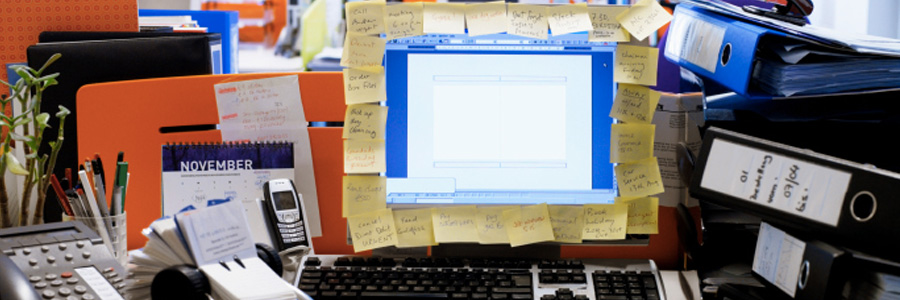
It’s simple, really: if your desktop is messy, then it’s more difficult to use. Don’t waste time and energy struggling to function — literally clean up your act by heeding our tips on decluttering your desktop.
1. Arrange, sort, and prioritize
Before you go about deleting everything from your desktop, think about what you really want to keep.