
VTech Support, Inc
  • Home
  • About Us
    • Our Company
    • Why VTech Support
    • Client Testimonials
  • How Can We Help?
  • Services
    • Managed IT Services
      • IT Outsourcing
      • Vendor Management
      • Business Continuity & Disaster Recovery
      • Cloud Services
      • Virtualization
      • Office 365
      • Hosted Exchange
      • Infrastructure Management
      • 24/7 Help Desk Support
    • Chromebook Services
      • Chromebook Auditing
      • Chromebook Repair
      • Chromebook Tracking
      • Google & ChromeOS
    • Consulting & Support Services
      • IT Consulting
      • Virtual CIO
    • Phone/VoIP System Solutions
      • VoIP Solutions
  • Resources
    • Blog
    • Employment Opportunities
    • Newsletters
  • Contact
  • Help Center
  • Home
  • About Us
    • Our Company
    • Why VTech Support
    • Client Testimonials
  • How Can We Help?
  • Services
    • Managed IT Services
      • IT Outsourcing
      • Vendor Management
      • Business Continuity & Disaster Recovery
      • Cloud Services
      • Virtualization
      • Office 365
      • Hosted Exchange
      • Infrastructure Management
      • 24/7 Help Desk Support
    • Chromebook Services
      • Chromebook Auditing
      • Chromebook Repair
      • Chromebook Tracking
      • Google & ChromeOS
    • Consulting & Support Services
      • IT Consulting
      • Virtual CIO
    • Phone/VoIP System Solutions
      • VoIP Solutions
  • Resources
    • Blog
    • Employment Opportunities
    • Newsletters
  • Contact

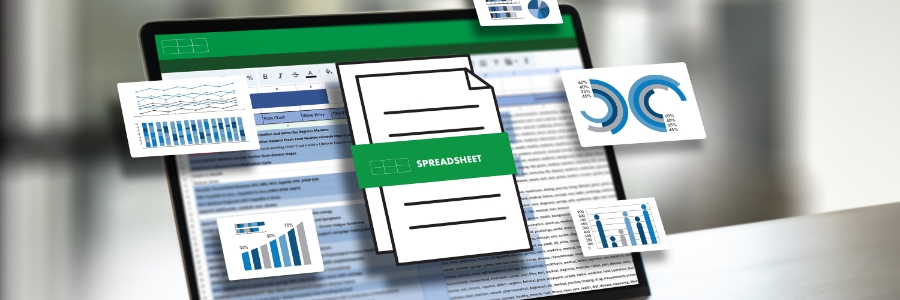
How to create charts and sparklines in Excel
November 8th, 2024 Kenneth Meeks Office excel, excel charts, excel sparklines
How to create charts and sparklines in Excel

Visualizing data is key to making informed business decisions, and Excel’s chart and sparkline tools make it easy to turn numbers into clear visuals. In this guide, you’ll learn the basics of using charts and sparklines in Excel to highlight trends, compare data, and better understand your spreadsheet insights.

Read more

Recent Posts

  • Windows 11’s new focus on efficiency
  • Is data security your top priority?
  • How hospitals can keep thousands of connected devices secure
  • Is this the top productivity app in Windows 11?
  • Why identity is the new internal highway for cyberattacks

Categories

Archives

211

Corporate Office

  • 3521 Allen Road
    Suite 101

    Bakersfield, CA 93314
  • Support: 661-578-5566
  • Administrative: 661-578-5833
  • Sales: 661-578-6040
  • Fax: 661-215-5151

Open Hours

Monday-Friday 7am-6pm
After Hours Emergency Response Available

Connect With Us