
VTech Support, Inc
  • Home
  • About Us
    • Our Company
    • Why VTech Support
    • Client Testimonials
  • How Can We Help?
  • Services
    • Managed IT Services
      • IT Outsourcing
      • Vendor Management
      • Business Continuity & Disaster Recovery
      • Cloud Services
      • Virtualization
      • Office 365
      • Hosted Exchange
      • Infrastructure Management
      • 24/7 Help Desk Support
    • Chromebook Services
      • Chromebook Auditing
      • Chromebook Repair
      • Chromebook Tracking
      • Google & ChromeOS
    • Consulting & Support Services
      • IT Consulting
      • Virtual CIO
    • Phone/VoIP System Solutions
      • VoIP Solutions
  • Pricing Calculator
  • Resources
    • Blog
    • Employment Opportunities
    • Newsletters
    • FAQ
  • Contact
  • Help Center
  • Home
  • About Us
    • Our Company
    • Why VTech Support
    • Client Testimonials
  • How Can We Help?
  • Services
    • Managed IT Services
      • IT Outsourcing
      • Vendor Management
      • Business Continuity & Disaster Recovery
      • Cloud Services
      • Virtualization
      • Office 365
      • Hosted Exchange
      • Infrastructure Management
      • 24/7 Help Desk Support
    • Chromebook Services
      • Chromebook Auditing
      • Chromebook Repair
      • Chromebook Tracking
      • Google & ChromeOS
    • Consulting & Support Services
      • IT Consulting
      • Virtual CIO
    • Phone/VoIP System Solutions
      • VoIP Solutions
  • Pricing Calculator
  • Resources
    • Blog
    • Employment Opportunities
    • Newsletters
    • FAQ
  • Contact

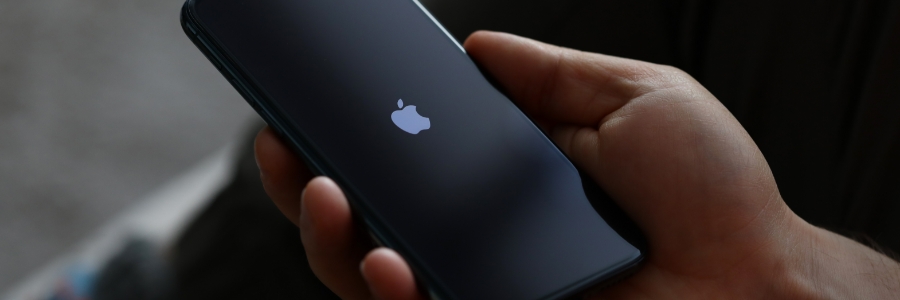
Minimize iPhone lag with these simple tricks
November 27th, 2024 Kenneth Meeks Apple battery health, clear cache, data, iphone, lag, performance, restart, simplified functions, software updates, uninstall apps
Minimize iPhone lag with these simple tricks

It’s a familiar problem: over time, even the fastest phones begin to slow down. Apps take longer to load, screens freeze, and multitasking becomes a chore. If this sounds like your phone, don’t worry. There are some simple adjustments you can make to minimize iPhone lag.

Read more

Recent Posts

  • Android screen rotation control: How to stop your phone from flipping when you don’t want it to
  • Hidden AI Tools at Work: Risks for Bakersfield Businesses
  • How to manage Apple devices at scale without the setup chaos
  • Planning VoIP for branch offices: What to measure before adding more phones
  • Windows Update failures explained: Why they happen and how to fix them

Categories

Archives

211

Corporate Office

  • 3521 Allen Road
    Suite 101

    Bakersfield, CA 93314
  • Support: 661-578-5566
  • Administrative: 661-578-5833
  • Sales: 661-578-6040
  • Fax: 661-215-5151

Open Hours

Monday-Friday 7am-6pm
After Hours Emergency Response Available

Connect With Us