
Enterprise identity management has evolved far beyond local accounts and Active Directory logins, especially with Apple devices entering the mix. This article breaks down Apple’s current approach to identity and device management, how managed Apple Accounts fit in, and why integrating with services such as Apple Business Manager and mobile device management (MDM) tools is key to simplifying Mac and iOS administration.
Making sense of Apple identity management for businesses

The hidden file cleanup guide every Mac user should know about

If your Mac is feeling sluggish or you're running low on storage, hidden files might be the culprits. Here's a guide to help you identify and safely remove unnecessary hidden files from your Mac.
Understanding hidden files on macOS
macOS hides certain files and folders to protect critical system components.
Enable Siri on macOS without sharing your contacts with Apple

Many Apple users love Siri’s convenience. But the moment you flick the toggle on macOS to enable it, you’re met with an alarming message: it will send your contacts, location, and voice data to Apple. For privacy-conscious individuals, this can feel like a major invasion.
The key differences between proprietary and open-source VoIP

In this blog post, we will discuss the key differences between proprietary and open-source VoIP. We will discuss the technical aspects of each type of software, as well as the advantages and disadvantages of each to help you decide which one is best for your business.
Setup guide for your new MacBook

Unbox your new MacBook and get ready to dive into the world of Apple. This comprehensive guide will walk you through the initial setup process, ensuring you're up and running in no time. Additionally, we'll provide tips on optimizing your MacBook's performance and exploring the built-in apps that come with your device.
Effective measures to protect your Mac against ransomware

Macs may be known for their security, but they’re not immune to ransomware attacks. And with cybercriminals constantly evolving their tactics, it's more crucial than ever to stay ahead with robust security measures. To ensure your business data remains secure from ransomware, follow these measures to protect your Mac devices.
A Mac user’s guide to malware warfare

The myth of Macs being invincible to malware has long been shattered. But there are those who still believe this myth, and so may find themselves facing the chilling reality of a Mac malware infection. For businesses, especially, the consequences can be disastrous: stolen data, compromised accounts, and operational disruptions that cost time and money.
Effortlessly import data from PC to Mac with Windows Migration Assistant

Making the switch from a PC to a Mac can be an exciting transition, but the prospect of transferring all your files and data may seem daunting. Fortunately, Apple provides a user-friendly solution to ease this process — Windows Migration Assistant.
It’s about time you use your Mac’s Time Machine
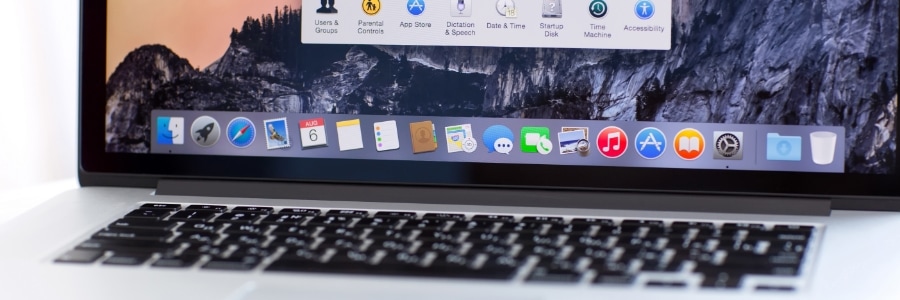
If you're a Mac user, you probably already know that macOS boasts a remarkable built-in feature called Time Machine, which helps easily recover deleted files, emails, or media. If you're not using it, it's about time that you do. This reliable backup mechanism maintains an accurate, up-to-date record of your Mac's contents.
Beware: Macs aren’t immune to malware

Macs are known to be pretty secure as they don't seem to get viruses and malware as easily as Windows computers do. But the truth is, no computer is completely immune to malicious software. So how can you tell if your Mac has been infected with malware? Look out for these signs.