
Whether you use a Windows 10 laptop or desktop for work or personal use, you’ll realize that it can quickly accumulate a large amount of data. Hardware failure, cyberattacks, and natural disasters can put this data at risk of being lost forever. Backing up your data regularly is the best way to prevent data loss, and here’s how you can do it.
How to secure your data using File History in Windows 10

3 Types of hackers: What you need to know

While there are many similarities among hackers, there are also some key differences among them. Some hackers want money for themselves and resort to evildoings, while others just want to make the world a better place. In this blog post, we will discuss the three main types of hackers and what you need to know about them.
The business benefits of unified communications

Are you looking for a way to improve your business communication systems without breaking the bank? Unified communications (UC) might be the answer you're looking for. UC is a relatively new concept, but it's already gaining traction among businesses of all sizes.
How to improve your Excel skills
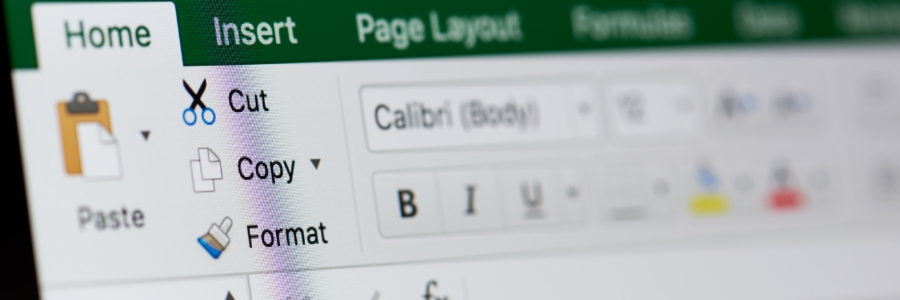
Microsoft Excel is a popular office application used by countless businesses around the world. Unfortunately, many employees are not using it to its full potential. If you’re struggling with Excel, these tips will help improve your spreadsheet skills.
Data backup solutions your business needs

No one likes to think about losing data. But whether it’s due to cyberattacks, disgruntled employees, human error, equipment failure, or natural disasters, a data loss incident is always possible. The best way to avoid losing valuable customer and company information is to have a reliable backup solution.
How to tweak and maximize Windows 11 on your laptop

Windows 11 is available as a free upgrade for Windows 10 users, and many people — including laptop users — are taking advantage of this new operating system. If you're one of them, then you need to know how to properly tweak Windows 11 features on your laptop so you can make the most of Windows 11.
1. Set up how your device checks for updates
New laptops usually automatically check for updates, but you can also manually do this.
Top security tips for remote workers

Working from home is becoming popular, primarily because of the flexibility this setup offers. However, one of the biggest concerns for remote workers is how to stay safe and secure while working online. We’ll discuss some cybersecurity tips that can help you stay protected while working from home.
Can blockchain technology revolutionize healthcare?

Perhaps you've heard about blockchain, a cutting-edge technology that experts believe has the potential to revolutionize the healthcare industry. But what exactly is blockchain, and what are its benefits? In this blog post, we'll explain what blockchain is, how it works, and we'll discuss the benefits it could bring to healthcare organizations.
How to organize Android apps
Is your Android device’s home screen packed with randomly arranged apps — including those you’ve never used before? A cluttered screen makes it difficult to find the app you want to use. One way to access these apps quicker is to organize them in folders, and this guide will show you how.
Mac keyboard shortcuts you should be using today

Keyboard shortcuts can enhance users’ productivity and save time, but not everyone knows about them. If you own a Mac, these are the keyboard shortcuts you need to start using now.
Minimize or dock the front app window: Command + M
If you have several open apps, browsers, and Finder windows, use this shortcut to minimize the front window to the Dock.