
If you've just bought a new Android device, there's a good chance that it came pre-installed with some apps that you don't want or need. Find out how to clear the clutter from your Android device and get rid of those unwanted apps.
What is bloatware?
Bloatware is software that comes pre-installed on computers and other digital devices, such as mobile phones.
Clearing the clutter on your Android device
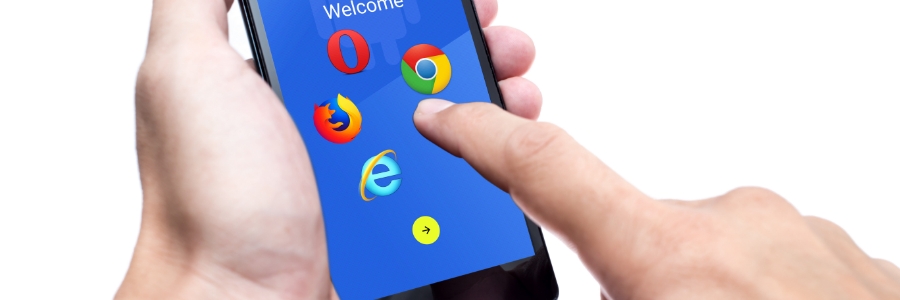
Helpful tips to minimize data usage on Android devices
The introduction of new mobile apps with sophisticated features has caused mobile data consumption to skyrocket over the last few years. Reducing data usage on Android devices has become an increasingly difficult task for many users. In this article, we will share helpful tips for reducing data usage on Android devices.
What you can do with the combined power of Android and Google

Google offers several features to help you stay organized and make the most of your digital life. One of these is being able to sync across devices, which allows you to access data stored on your phone, tablet, or computer, and makes it easy to manage tasks across multiple devices.
Android accessories you need to have
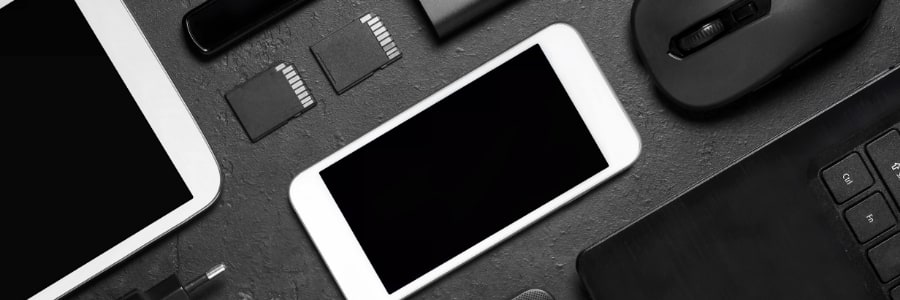
With the vast number of Android smartphones on the market, there are endless options for phone accessories. However, it's difficult to determine which products are worth your time and money. To save you the trouble, we've compiled a list of the best Android smartphone accessories available.
How to easily transfer files from an Android device to a PC or Mac
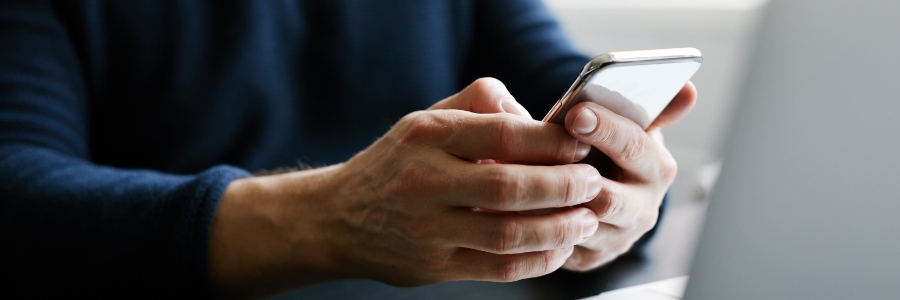
There may be times when you need to transfer files from an Android device to a PC or Mac. This article will discuss several ways to do that.
Through a USB cable
Using the USB cord that came with your phone is probably the most convenient way to transfer files to your computer.
Android ransomware: How it works and how to protect yourself from it

In recent years, ransomware has become increasingly sophisticated and widespread, infecting not just Windows PCs but also Android smartphones and tablets. If you're concerned about the security of your Android devices and your business, read on for tips on how to protect yourself from mobile ransomware.
Safeguarding social media: Tips for keeping your personal information protected
It’s no secret that social media is a huge target for hackers. Every day, millions of people share their personal information on Facebook, Twitter, and other social media platforms. This makes it easy for cybercriminals to steal identities and access sensitive data.
How to organize Android apps
Is your Android device’s home screen packed with randomly arranged apps — including those you’ve never used before? A cluttered screen makes it difficult to find the app you want to use. One way to access these apps quicker is to organize them in folders, and this guide will show you how.
Helpful tips for removing Android adware apps
There’s a popular notion that adware only affects desktop computers and laptops. However, Android devices are just as vulnerable to adware as computers. If your devices are displaying unwanted ads at unusual times or are pausing for no apparent reason, you could be a victim of Android adware.
Changing your Android smartphone’s location settings

Location services or location tracking is a handy feature in your Android smartphone. Enabling it has some benefits; for instance, it makes it convenient for you to find the nearest gas station using Google Maps, allow navigation apps like Waze to calculate routes between destinations, or check in at places on Facebook.